
Auto-snapshot on a timer
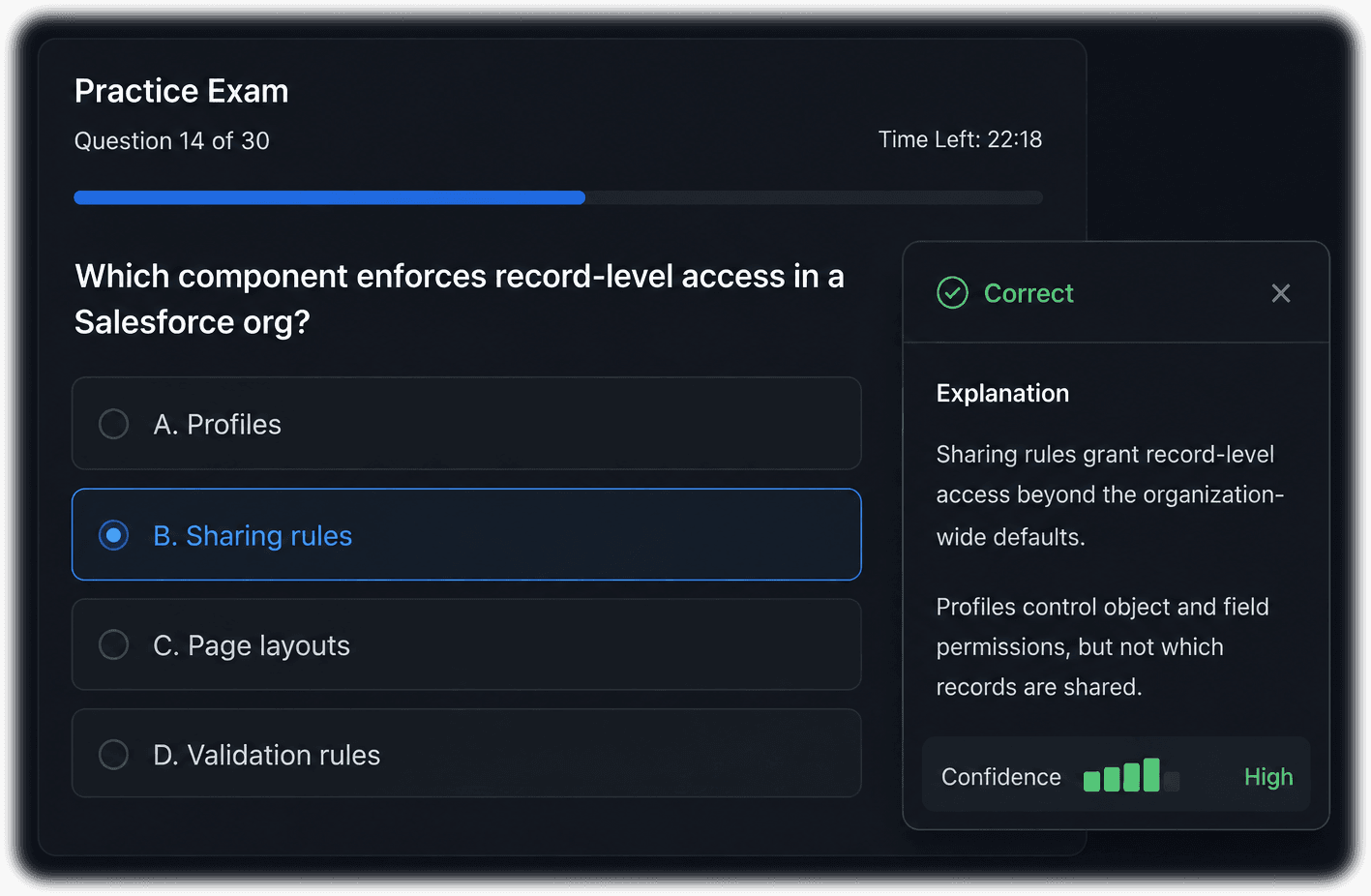
Pick a window from your study materials and Auto-Snapper AI captures it on a configurable interval (default every 30 seconds), sends each frame to your AI, and shows the explanation, with no clicking or copy-paste.
🎓 Study companion for exam prep
Auto-Snapper AI snaps your study window on a timer and sends each capture to GPT or Claude to explain what’s on screen, using your own OpenAI or Anthropic key. Prepare for certification exams hands-free, without alt-tabbing or clicking to a chatbot.
An app that automatically screenshots one window and sends it to GPT or Claude with your own key to explain what’s on screen, so you can study hands-free.
Bring your own AI key. Works with
Why Auto-Snapper AI
Capture a window, ground answers in your notes, and learn hands-free. Use your own prompt to your own LLM chat sessions, With your own AI key.
Pick a window from your study materials and Auto-Snapper AI captures it on a configurable interval (default every 30 seconds), sends each frame to your AI, and shows the explanation, with no clicking or copy-paste.
Browser, PDF, slide deck, desktop app, terminal, or a remote session (RDP, Citrix, VMs). It captures only the one window you choose, nothing else on your screen.
Use your own OpenAI or Anthropic API key and model. No per-question markup. You pay your provider directly, and switch models anytime from fast review models to frontier reasoning.
A persona bundles a tailored prompt plus your reference material into a switchable tutor. Ships with exam-prep personas (Salesforce, SAP, qTest, Sealights, Claude Code) plus a generic tutor, all editable.
Point a persona at a folder of your own notes and study guides (.md, .txt, .json, .xml). Auto-Snapper AI treats them as authoritative on every capture, so answers match your course, not the internet's best guess.
Hit a 'read this passage, then answer the next questions' block? Click Add 2nd Context to capture the shared passage once and fold it into every answer that follows. Stack several, then Reset to clear.
How it works
Set it up once and study while it works in the background.
Select the window with your material, such as a PDF, slides, a practice-question set, or a web page. A live preview confirms you chose the right one.
Pick a subject tutor and point it at a folder of your own study notes so answers are grounded in your syllabus.
Auto-Snapper AI captures your window on a timer and processes each frame automatically while you keep your eyes on the material.
Read confidence-rated answers, focus on the shaky ones, then export your session as reusable study notes.
Use cases
Drill concepts and work through practice questions from materials you own, with a tutor that knows your subject.
Get plain-language explanations of documentation and courseware without leaving the page you're reading.
Work through numbered practice sets: each answer is tied back to its question number for clean review.
Capture a whole study session and export it as a reusable, shareable set of notes for a second pass.
Included with your subscription
Cancel anytime and keep full access through the end of your billing period. You're never on your own getting exam-ready.
Get personal, hands-on coaching to put Auto-Snapper AI to work for your certification, from setup to study strategy.
A comprehensive, growing library of guided study workflows, exam-prep playbooks, and best practices.
A full walkthrough on YouTube so you can see exactly how Auto-Snapper AI works before you dive in.
Get the app
Delivered by email after a secure checkout.
 Windows
Hands-free AI study capture for Windows
Monthly subscription · cancel anytime, keep access through your billing period
 macOS
macOSNative study capture for M-series Macs
Monthly subscription · cancel anytime, keep access through your billing period
 macOS
macOSHands-free study capture for Intel Macs
Monthly subscription · cancel anytime, keep access through your billing period
Auto-Snapper AI sends each screen capture to GPT or Claude and grounds answers in your own notes, so you can learn hands-free with your own AI key.